How to Create a TikTok Business Center: Step-by-Step Guide
Setting up a TikTok Business Center correctly is essential for scaling agencies. This guide covers the full creation, asset management, and team assignment process.
The TikTok Business Center is the central hub for managing your organization's presence on TikTok. For agencies, e-commerce brands, and performance teams scaling their efforts, it is not just an option—it is the foundational infrastructure required to coordinate ad accounts, pixels, catalogues, and team access at scale. Without a consolidated Business Center, you are likely managing fragmented assets across disconnected personal logins, which is an operational risk and a significant management bottleneck. As you transition from a single account to a multi-account strategy, the Business Center becomes your command post, providing the transparency and control necessary to satisfy both internal security audits and external client requirements — a foundation covered in more depth in what TikTok Business Center actually is.
This guide covers the entire lifecycle of a TikTok Business Center: why you need one, how to create it, how to structure it for growth, and how to govern assets and permissions effectively. We also address the common setup mistakes that force teams to redo their account architecture months down the line. We will explore the nuances of business verification, the differences between member roles, and how to effectively bridge the gap between your agency and your clients' assets. Whether you are building this for your own brand or as a service for your clients, the principles of data integrity and secure access remain the same.
Operating a professional advertising entity requires more than just knowing how to make a viral video. It requires a robust backend that protects your data and your capital. A properly configured Business Center allows you to share pixels across accounts, manage high-value product catalogues, and ensure that your media buyers have exactly the access they need—and nothing more. This level of professionalization is often the deciding factor in whether an account is flagged for suspicious activity or allowed to scale smoothly into new markets and higher daily spends.
Keep in mind that while these steps are based on current TikTok interface patterns, platform labels and navigation paths change frequently. Always cross-reference the steps below with TikTok's current official documentation to ensure you are viewing the most accurate controls. As the platform matures, new features such as advanced creative asset management and deeper integration with TikTok Shop are being rolled out, making the Business Center an even more vital component of your AdTech stack.
What is TikTok Business Center and Why Create One?
Think of TikTok Business Center as the central directory for all your advertising assets. It is the layer above the individual ad account. While an Ad Account is where campaigns are run, optimized, and funded, the Business Center is where you define who has access to those accounts, which assets they can use, and how the overall account ecosystem is organized. It is comparable to Business Manager on other social platforms, acting as the 'owner' of all the moving parts in your TikTok strategy.
The primary motivation for creating a Business Center is centralization. Without it, you are forced to manage users on a per-account basis. For a small brand with one account, this might seem manageable. However, as soon as you add a second account, a retargeting pixel, or a third-party agency partner, the manual overhead becomes a liability. The Business Center allows you to 'handshake' with other businesses (like agencies) and securely share access to assets without ever exchanging passwords or compromising the security of your primary TikTok login.
Who Should Create a Business Center?
- Marketing Agencies: Agencies need a Business Center to act as their operational hub. It allows them to request access to client accounts and organize their internal media buying teams into logical groups, ensuring that a buyer working on 'Client A' cannot accidentally access 'Client B'.
- Growing E-commerce Brands: Brands with multiple product lines or regional storefronts (e.g., US vs. UK) should use a Business Center to centralize pixel data and catalogues. This allows for cross-account data sharing, which is essential for sophisticated retargeting and audience modeling.
- Performance Teams: In-house teams that require strict audit logs and accountability. The Business Center provides a history of who changed which asset, when they did it, and what specific permissions were granted, which is a critical security and operational requirement for larger organizations.
- Advertisers using Agency Ad Accounts: If you are utilizing specialized infrastructure like ADvizo's agency ad accounts, a Business Center is the required container for receiving and managing those high-performance assets.
Eligibility and Prerequisites for Setup
Before you start the creation process, ensure you have all the necessary components ready. TikTok's onboarding for businesses has become more rigorous to prevent fraud and ensure platform safety. Missing one of these items can lead to a delayed setup or a flagged account during the initial verification phase.
- Professional Business Email: Do not use a personal @gmail.com or @outlook.com address. TikTok prefers emails associated with a business domain (e.g., media@youragency.com). This is often a requirement for certain high-tier account features.
- Legal Business Information: You will need your official business name, registered address, and phone number as they appear on your tax or incorporation documents.
- Tax Documentation: Depending on your region (especially in the US, EU, and certain parts of SE Asia), you will need your VAT, EIN, or local tax ID number to complete the billing and verification sections.
- Website URL: A functional website that clearly represents your business and complies with TikTok's advertising policies. A 'coming soon' page or a broken site is a frequent cause for rejection.
- Primary Admin Login: Decide who will be the 'owner' of the Business Center. This should be a stable, long-term email address that will not be deactivated (avoid using temporary contractors for this role).
Step-by-Step: Creating Your Business Center
The setup process is designed to be efficient, but the details in your business information matter for downstream verification and your ability to run ads without interruption.
- 1Visit business.tiktok.com and click 'Create Now'. You may be prompted to log in with an existing TikTok account or a TikTok For Business account. We recommend creating a new, dedicated 'TikTok For Business' login if you haven't already.
- 2Choose a Business Center Name. This should be your official agency or brand name. This name will be visible to partners when you request access to their accounts.
- 3Select your Time Zone and Currency. This is a critical step. While you can create ad accounts in different currencies later, the primary Business Center settings influence your reporting and some billing defaults. Ensure these match your primary accounting region.
- 4Upload a Profile Image. While optional, a professional logo helps with brand recognition when clients receive access requests from you.
- 5Enter your Business Information. This includes your legal entity name, address, and website. Ensure this matches your official records exactly to avoid red flags during the verification process.
- 6Invite your first team members. You can do this now or later, but it's good practice to add a second administrator immediately to prevent being locked out if your primary email has issues.
Business Information Accuracy and Verification
Business verification is the process where TikTok confirms that your business is a legitimate legal entity. While not always required to *create* the Business Center, it is often required to unlock full spending potential, access certain ad formats, or manage multiple ad accounts.
Why Verification Matters
Verified businesses enjoy a higher level of trust within the TikTok ecosystem. This trust translates to faster ad approvals, higher daily spend limits, and a lower likelihood of automated account flags. Furthermore, if you are an agency managing client assets, being verified is a prerequisite for some types of partner sharing. If your information is inaccurate (e.g., a mismatched address or an invalid tax ID), you may find your Business Center restricted, which effectively pauses all advertising activity across all linked accounts.
| Document Type | Requirement | Common Issues |
|---|---|---|
| Business License | Must be current and show the legal name. | Expired documents or names not matching the BC name. |
| Tax Documents | EIN (US), VAT (EU), or local equivalent. | Incorrect digits or documents for a different entity. |
| Utility Bill / Bank Statement | Shows the business address as entered in BC. | Address on bill doesn't match the BC setup address. |
| ID of Representative | Government-issued ID for the primary admin. | Low-quality photos or expired IDs. |
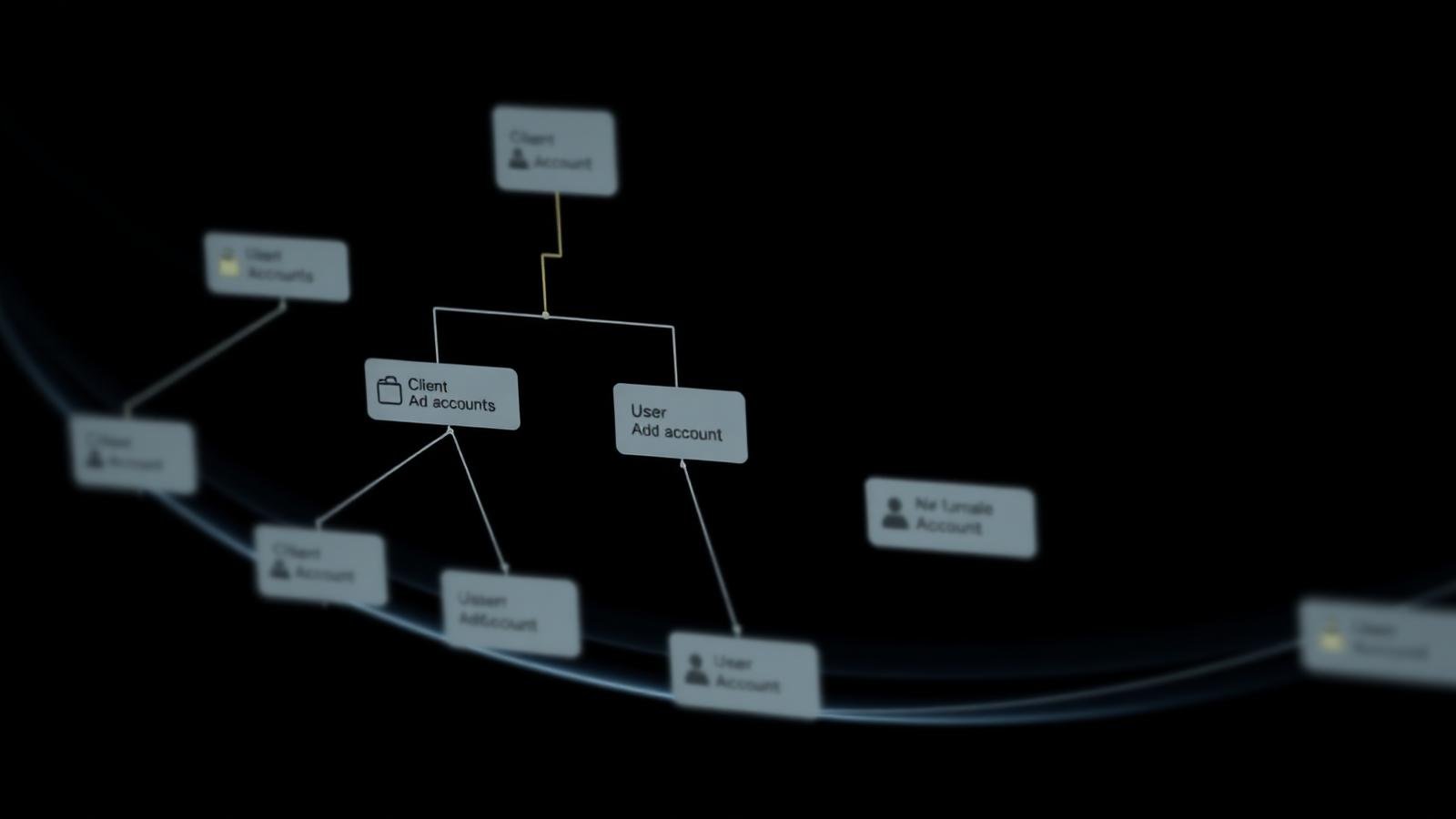
The Hierarchy: Business Center vs. Ad Account vs. TikTok Account
One of the most common points of confusion for new advertisers is the relationship between these three entities. Understanding this hierarchy is essential for proper setup and management.
- TikTok Account: This is the user-facing profile (e.g., @yourbrand). It is used to post organic content, engage with users, and host the 'Spark Ads' that you might run. It is a social entity.
- TikTok Ads Manager (Ad Account): This is the engine room where you create campaigns, set budgets, and choose targeting. It is a financial and operational entity. One Business Center can own or manage many Ad Accounts.
- TikTok Business Center: This is the umbrella. It owns the Ad Accounts and holds the permissions for the people who manage them. It also 'claims' the TikTok Accounts (profiles) so that the Ad Accounts can use their organic posts as ads.
In a professional environment, you should never have an Ad Account that isn't connected to a Business Center, a relationship clarified further in TikTok Ads Manager vs Business Center. The Business Center acts as the bridge. For example, to run a Spark Ad, you link the TikTok Account to the Business Center, then 'assign' that TikTok Account to a specific Ad Account. This modularity is what allows agencies to manage client profiles securely.
Managing Asset Types and Permission Levels
Once your Business Center is live, you will populate it with assets — the next step is usually adding your first ad account. Each asset type has different nuances in how it is shared and managed.
Core Asset Types
- Ad Accounts: The primary units for media buying. Can be created within BC or requested from outside.
- Pixels and Events: Crucial for tracking, per TikTok's official Pixel documentation. You can create a 'Business Center Pixel' that is shared across multiple ad accounts, which is highly recommended for multi-account scaling.
- Catalogues: Product feeds for e-commerce (Dynamic Showcase Ads). These are managed at the BC level and assigned to Ad Accounts.
- TikTok Accounts: Organic profiles that are linked for Spark Ads and commerce integrations.
- Audiences: Custom and Lookalike audiences can sometimes be shared between accounts within the same Business Center, depending on region and account type.
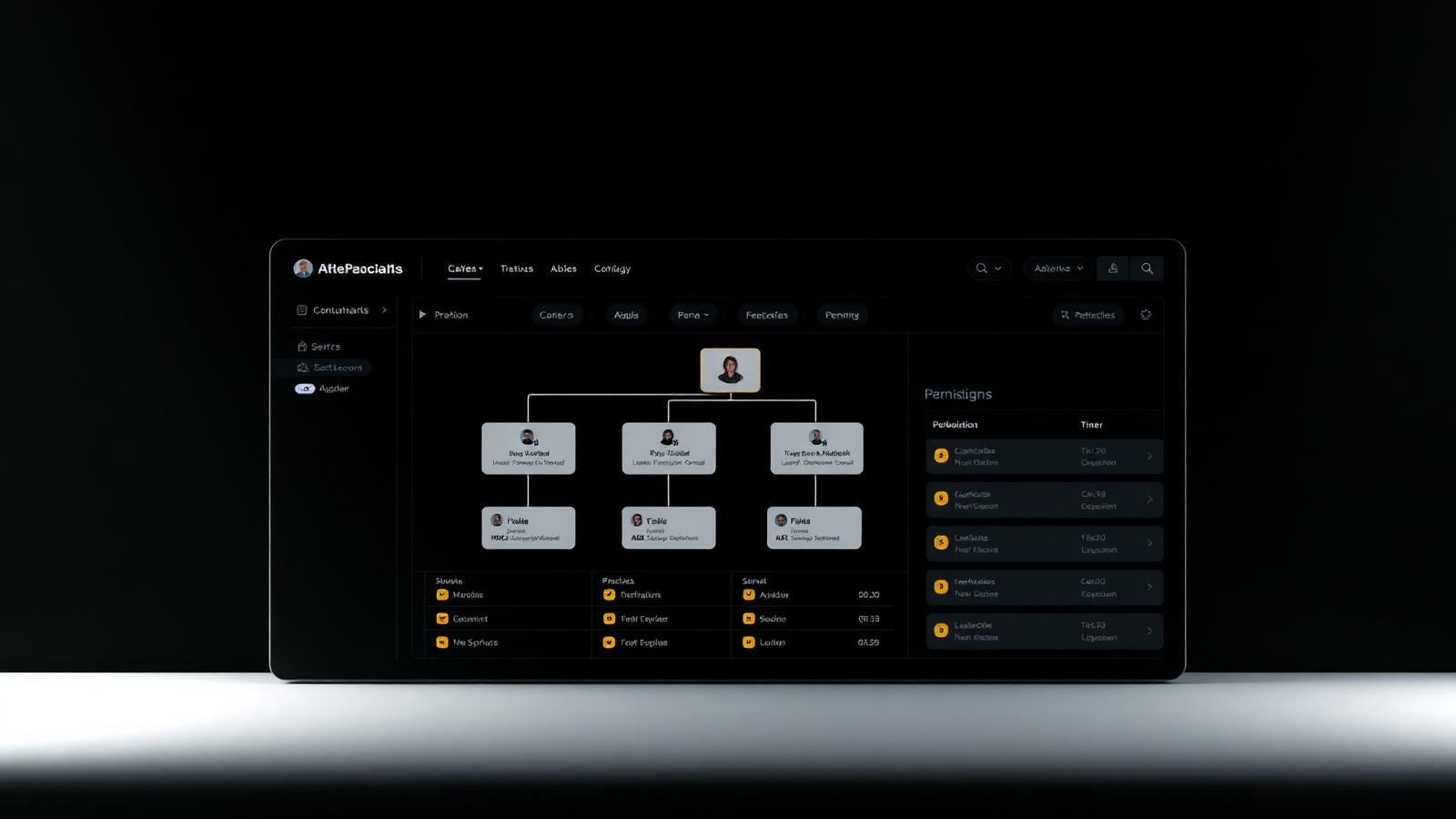
Member Roles and the Principle of Least Privilege
Security hygiene dictates that you should only give people the access they need to do their jobs. TikTok Business Center offers several layers of permissions:
| Role Level | Capabilities | Best For... |
|---|---|---|
| Admin | Manage users, assets, billing, and settings. | Agency owners, department heads, and senior IT. |
| Standard / Member | Can be assigned to specific assets with varied permissions. | Media buyers, creative teams, and contractors. |
| Operator (Asset level) | Full control over campaign creation and optimization. | Dedicated media buyers. |
| Analyst (Asset level) | Read-only access to performance data and reports. | Clients, executives, and external auditors. |
Partner Access vs. Ownership: Strategic Considerations
For agencies, the choice between 'owning' a client's account and being a 'partner' is significant. Ownership means your Business Center is the legal and financial entity responsible for the account. Partner access means the client's Business Center owns the account, and they are simply 'lending' it to you for management.
We generally recommend the Partner model for agency-client relationships, a distinction also explored in what is a TikTok agency ad account. This ensures that the client retains their historical data and billing integrity if the agency relationship ends. Ownership is best reserved for accounts the agency provides as a service (like high-limit agency accounts) or for internal brand subsidiaries. When you use the partner model, you exchange 'Business Center IDs' to establish a secure link between two independent corporate entities.
Recommended Business Center Structures for Scaling
How you organize your Business Center today determines how much friction you will face when you double your team or client count next year.
Scenario A: The Boutique Agency (3 Persons, 6 Clients)
In this setup, the Agency Owner is the sole Admin. The two media buyers are added as Members. Each client has their own 'Folder' or is clearly named in the asset list. Both media buyers are assigned as 'Operators' to all client ad accounts for redundancy. This keeps things simple but requires the owner to handle all administrative tasks like adding new pixels or catalogues.
Scenario B: The Global Performance Firm (15+ Persons, 40+ Accounts)
This requires a tiered approach similar to the structures described in TikTok Business Center for agencies. You should have 2-3 Admins (Owner, Head of Media, Ops Lead). The staff are divided into teams (e.g., Team North America, Team EMEA). Using the 'Asset Grouping' feature, you group all assets for a specific region or client pod. Team members are only granted access to their specific group. This prevents 'accidental spend' on the wrong client and ensures that if a member's login is compromised, the damage is contained to a small subset of the agency's total managed spend.
Security Hygiene and Best Practices
Your Business Center holds the keys to your (or your clients') advertising budget. Treat it with the same level of security as a financial application.
- Enforce 2FA (Two-Factor Authentication): All admins and members should be required to use 2FA. TikTok provides settings to make this mandatory for everyone in the Business Center.
- Regular Access Reviews: Conduct a monthly or quarterly audit of who has access. Remove former employees, contractors who have finished their projects, and old agency partners.
- No Shared Logins: Never use a shared 'marketing@' email for multiple people. This destroys your audit trail and makes it impossible to revoke access for one person without affecting others.
- Official Admin Handoff: If an admin leaves the company, ensure their role is transferred to a new person *before* their email is deactivated. Losing all admin access can lead to a permanent loss of the Business Center.
- Separate Personal and Professional: Keep your personal TikTok account and your Business Center management on separate emails to prevent accidental cross-contamination of data or security risks.
Common Setup Mistakes
- Incorrect Time Zone/Currency: Setting these incorrectly at the start can lead to reporting headaches that are often impossible to fix without migrating to a new Business Center.
- Vague Naming Conventions: Naming assets 'Ad Account 1' or 'My Pixel'. As you scale, you will lose track of which is which. Use a format like '[Client Name] | [Region] | [Purpose]'.
- Ignoring the 'Verification' Tab: Many advertisers wait until their account is flagged to start verification. Doing it proactively prevents sudden campaign pauses.
- Mixing Client Assets: Sharing one pixel across two different clients. This ruins the algorithm's optimization data and creates significant privacy/data ownership issues.
- Granting Admin to Everyone: It is tempting to give everyone full access to 'save time', but it is a massive security risk and often leads to accidental changes to global settings.
Troubleshooting Business Center Setup
Even with a perfect plan, you might encounter issues during the setup phase. Here are the most common symptoms and their likely solutions.
- Symptom: 'Verification Failed' - Check that your uploaded documents are high-resolution and that the text is clearly legible. Ensure the business name on the document matches the Business Center name *exactly*.
- Symptom: 'Cannot add team member' - The person you are inviting might already have reached their limit for Business Center memberships, or their email might be flagged. Try inviting them with a different professional email.
- Symptom: 'Asset not showing in Ads Manager' - After adding an asset to BC, you must *assign* yourself or your team members to that asset. Simply adding it to the BC doesn't automatically grant access to the people inside the BC.
- Symptom: 'Currency mismatch error' - If you are trying to link an ad account with a different currency than the BC, ensure you are following the latest TikTok regional rules for multi-currency management.
- Symptom: 'Invite email not received' - Check spam folders, but more importantly, ensure your company's firewall or email filter isn't blocking automated emails from @tiktok.com.
TikTok Business Center Setup Checklist
- 1Register with a dedicated, company-owned domain email address.
- 2Verify all business contact information matches legal incorporation records.
- 3Set the correct primary Time Zone and Currency for your reporting needs.
- 4Define your internal team hierarchy (Admins vs. Standard members).
- 5Enable mandatory Two-Factor Authentication (2FA) for all users.
- 6Create or import your first Ad Account and assign it to a team member.
- 7Create a Business Center Pixel if you plan to share data across multiple accounts.
- 8Link your primary brand TikTok Accounts for Spark Ads access.
- 9Establish a clear naming convention for all future assets (Pixels, Catalogues, Accounts).
- 10Complete the Business Verification process to lift initial account restrictions.
- 11Schedule a recurring calendar reminder for a quarterly user access audit.
Expert Tips for Power Users
Once you have the basics down, focus on these advanced practices to truly master the platform. First, use 'Asset Groups' to manage permissions at scale. Instead of assigning a buyer to 10 individual ad accounts, add those accounts to a group and assign the buyer to the group once. Second, leverage the 'Activity Log' in the settings menu. If performance drops or a setting changes unexpectedly, this log is your primary tool for forensic analysis. Finally, always keep a 'Backup Admin' who is not in the same physical office or using the same network, providing an extra layer of redundancy against local issues or account lockouts.
Conclusion
Creating a TikTok Business Center is the first step toward professionalizing your advertising operations. By centralizing assets and enforcing strict permission controls, you gain the ability to scale your media buying activity reliably. It moves you from 'running ads' to 'operating a marketing organization'. Follow these steps, take your time with business verification, and regularly audit your asset access to keep your infrastructure robust and secure. As you grow, your Business Center will be the stable foundation that allows you to test new strategies, onboard new talent, and dominate the TikTok auction.
For further reading, explore the official documentation: TikTok Ads Help Center, Troubleshoot Ad Delivery, TikTok Business Support.
Frequently asked questions
Can I move an Ad Account between Business Centers?
Yes, you can typically request to transfer an ad account, but the process requires permission from the current owner and approval from TikTok. This is generally used for internal consolidation rather than client handovers.
How many Business Centers can I have?
There are limits to the number of Business Centers a single user or email can manage, though these are typically generous (often up to 10 or 20 for verified entities). Always check current platform limits if you are a large agency.
Do I need to verify my business?
Business verification is often required to unlock certain features, higher spending limits, or to gain access to specific ad products like TikTok Shop ads. It is highly recommended to complete it as soon as possible to avoid disruption.
What happens if I lose access to the primary Business Center email?
This is a major issue. If you have no other admins, you may lose control of the assets. Always have at least two active admins with separate emails to ensure continuity.
Can I use the same email for my personal TikTok account and Business Center?
Technically yes, but it is best practice to keep Business Center management completely separate from your personal TikTok usage to prevent accidental security breaches and keep your professional audit trail clean.
Keywords covered in this article
The topics and search terms this guide addresses.
Primary keyword
how to create tiktok business center
Related keywords
- tiktok business center setup
- create tiktok business center account
- tiktok business center for agencies
- how to set up tiktok business center
- managing assets in tiktok business center
- tiktok business center user permissions
- tiktok agency business center structure
- add ad account to tiktok business center
- tiktok business center verification
- tiktok business center partner access
Topics
- tutorial
- business-center
- agency-operations