TikTok Business Center for Agencies: A 2026 Operational Framework
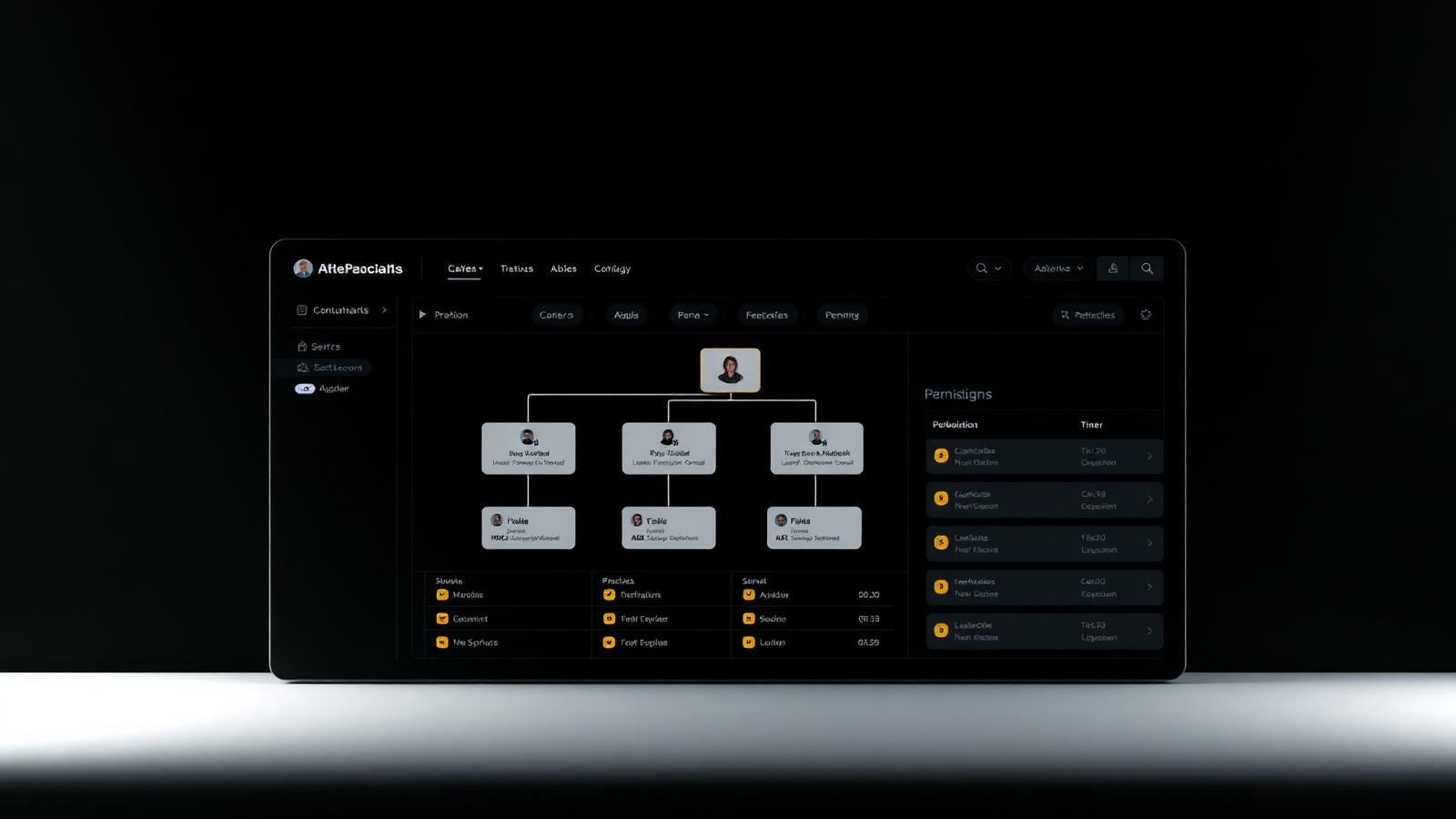
For high-growth agencies, Business Center is the primary operational lever for managing dozens of clients, hundreds of assets, and complex whitelisting permissions.
As agencies scale their TikTok operations in 2026, the complexity of managing multiple clients, diverse assets, and whitelisted agency accounts becomes a significant bottleneck. TikTok Business Center is the solution, but only when implemented as a formal operational framework. This guide provides the blueprint for building a resilient, auditable, and scalable agency command center.
The Multi-Client Hierarchy Model
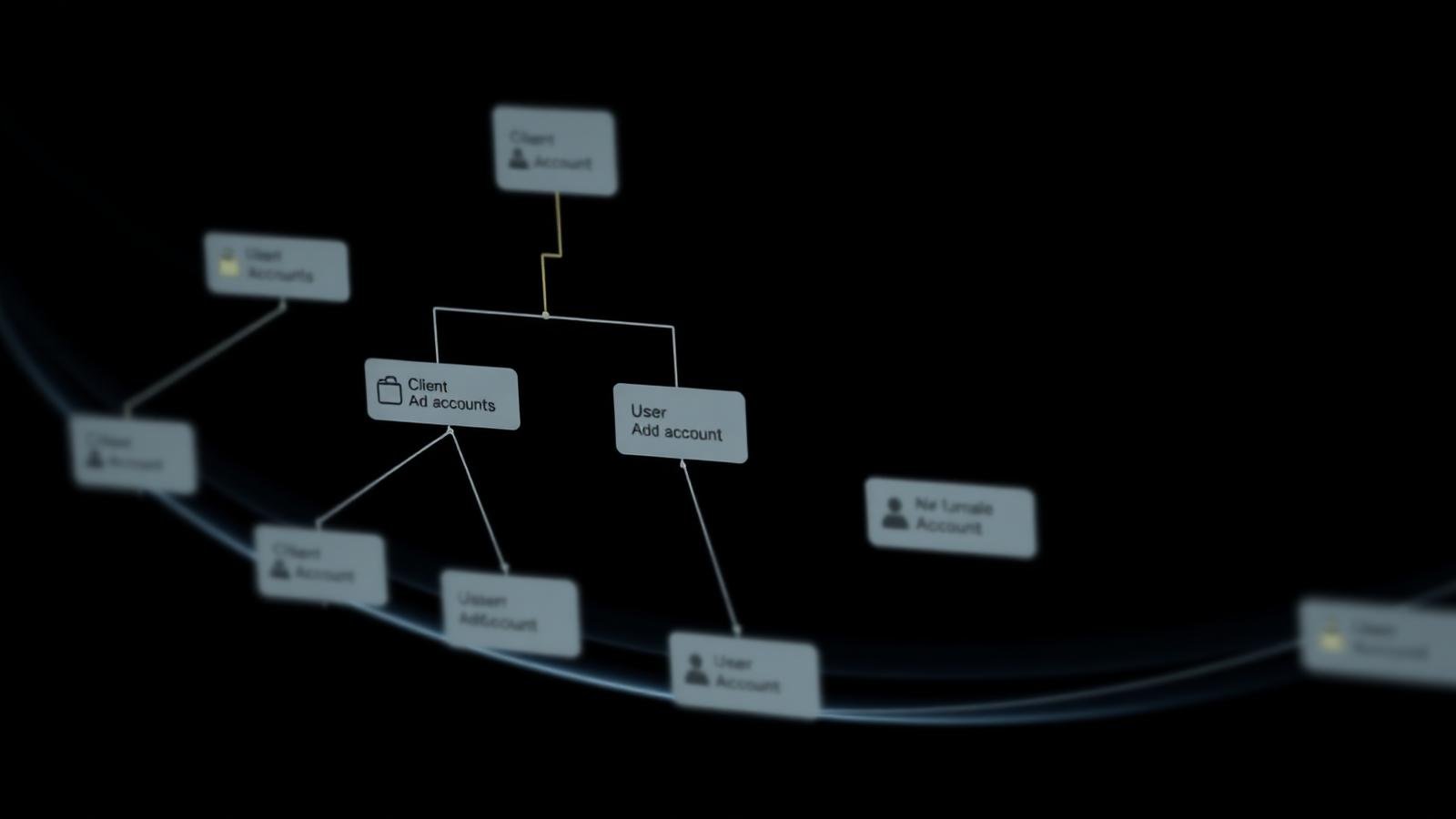
According to TikTok's Partner Management standards, agencies should maintain a single 'Master' Business Center that interacts with client-owned 'Signal' Business Centers. This prevents ownership disputes and simplifies the offboarding process.
- **The Master BC (Agency-Owned)**: Houses your team, your whitelisted partner credentials, and your agency-provisioned accounts.
- **The Client BC (Client-Owned)**: Houses the client's Pixels, Catalogues, and first-party data signals.
- **The Connection (Partner Access)**: Link the two via Partner Sharing to allow your media buyers to access client assets without taking full legal ownership.
Role-Based Access Control (RBAC) for Media Teams
Managing a growing team requires a strict 'Least Privilege' approach. Individual logins are non-negotiable. Data from ADvizo's 2025 agency audit shows that agencies using shared logins are 3x more likely to experience accidental budget overspends or unauthorized campaign modifications.
| Agency Role | Permission Level | Scope of Access |
|---|---|---|
| Ad-Ops Lead | Admin | Full Business Center & Billing Control |
| Senior Media Buyer | Operator | Assigned Advertiser Groups & Asset Creation |
| Junior Media Buyer | Operator (Restricted) | Specific Ad Accounts & Campaign Management |
| Creative Strategist | Analyst / Asset Manager | Creative Libraries & Reporting Only |
| External Analyst | Analyst (Read-Only) | Dashboard Visibility for Named Clients |
Onboarding Runbook: From Signed Contract to Active Account
Speed of execution is a competitive advantage. A documented onboarding runbook ensures that whitelisted accounts are provisioned and assets linked correctly within 24 hours.
- 1**Step 1: Compliance Audit**: Review client landing page and offer against TikTok Advertising Policies.
- 2**Step 2: Asset Provisioning**: Request a new whitelisted agency account from your infrastructure partner (e.g., ADvizo).
- 3**Step 3: Partner Linking**: Send a Partner Access request from your Master BC to the Client's BC.
- 4**Step 4: Signal Sync**: Map the client's Pixel and Catalogue to the new whitelisted ad account.
- 5**Step 5: Team Allocation**: Assign the designated media buyer to the new 'Advertiser Group' within your BC.
Maintaining Signal Resiliency at Scale
For agencies managing 50+ accounts, signal management is critical. Business Center allows for 'Bulk Asset Sharing,' ensuring that every new ad account inherits the optimization history of the master Pixel. According to TikTok Marketing Science, this centralized signal management can reduce the duration of the 'Learning Phase' by up to 15% across a client portfolio.
Limitations & Operational Context
Platform-level restrictions can still occur. If a client's Business Center is flagged for severe policy violations, it can 'contaminate' the partner relationship. Agencies must maintain active monitoring of account health signals and have a documented 'Restricted Account Recovery' SLA.
Sources & Further Reading
- TikTok for Business — Partner Program and Agency Operations (Updated 2026)
- TikTok Business Library — Best Practices for Client Onboarding (Updated 2026)
- ADvizo AdTech — The Agency Operations Blueprint (Internal Framework)
- TikTok Marketing Science — Centralized Asset Management Study (2025 Research)
Frequently asked questions
Should we use a separate Business Center for every client?
No. Agencies should use a single Master Business Center for their team and operations, linking to individual client Business Centers via Partner Sharing. This is the most scalable and secure model.
How do I handle staff departures in Business Center?
Your offboarding runbook should include a 'Revoke BC Access' step. Because you use individual logins, removing a user's access in one place instantly revokes their permissions across all assigned clients.
Can I manage whitelisted and regular accounts in one BC?
Yes. Business Center is account-agnostic. However, whitelisted accounts will have additional permissions visible within the Ads Manager interface once provisioned.
What is the benefit of 'Advertiser Groups'?
Advertiser Groups allow you to bucket all assets related to a single client (Accounts, Pixels, Catalogues) and assign permissions at the bucket level, rather than for each individual asset.
How do we prove spending accuracy to clients?
Business Center provides consolidated billing reports. By using a consistent naming convention and advertiser grouping, you can generate clear, auditable spend statements per client.
Keywords covered in this article
The topics and search terms this guide addresses.
Primary keyword
tiktok business center for agencies
Related keywords
- tiktok agency business center setup
- multi-client ad account management
- agency ad-ops framework
- business center roles and permissions
- whitelisted agency account onboarding
Topics
- tiktok-ads
- agency-operations
- business-center
- framework